

Table of Contents
You want a laptop that can play your favorite games, fit into a backpack, and still look at home in a classroom or meeting room. The problem is that most powerful gaming machines seem designed around a 16-inch or 18-inch chassis, a heavy charger, and fans that announce every gaming session. That is exactly why the best 14 inch gaming laptop category is interesting. Compact machines can combine capable dedicated graphics, fast displays, and useful everyday portability—but squeezing gaming hardware into a small chassis comes with compromises in cooling, upgradeability, and price.
For 2026, the ASUS ROG Zephyrus G14 and TUF Gaming A14 are particularly important options to examine. The 2025 Razer Blade 14 remains a relevant premium alternative if you find genuine remaining stock or a well-supported refurbished unit. Acer’s Predator Triton 14 AI is another compact contender, although its screen is 14.5 inches, not exactly 14.
This GameTechScout guide compares the verified specifications and explains which compact laptop makes sense for you.
Best Compact Gaming Laptops: Quick Comparison
| Laptop family | Display and graphics example | Main strength | Main trade-off |
|---|---|---|---|
| ASUS ROG Zephyrus G14 (2026) | 14-inch OLED, up to RTX 5070 Ti | Premium display and portability | High price, soldered RAM |
| ASUS TUF Gaming A14 (2026) | 14-inch 165Hz IPS, RTX 5060 | Balanced compact gaming | Less premium screen, soldered RAM |
| Razer Blade 14 (2025) | 14-inch 120Hz OLED, RTX 5060/5070 | Metal construction and refinement | Availability and pricing |
| Acer Predator Triton 14 AI | 14.5-inch 120Hz OLED, RTX 5070 | Creative-friendly compact alternative | Slightly larger, expensive class |
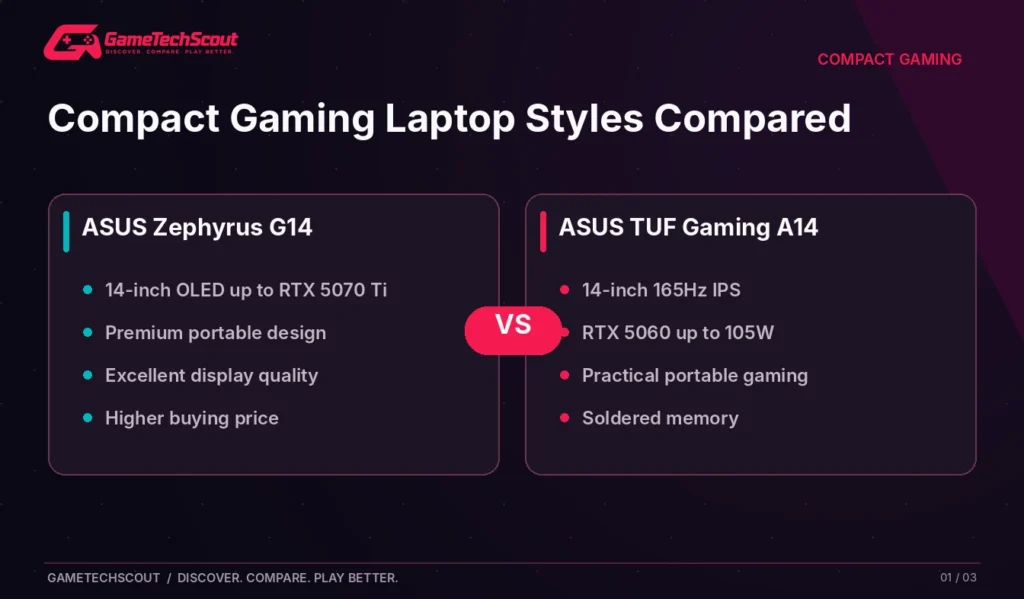
These are verified model-family examples, not a promise that every configuration is available at a particular price. The Acer is included as a clearly labeled 14.5-inch alternative.
Our first choice: Start with the ASUS ROG Zephyrus G14 if you want an OLED premium laptop; compare the ASUS TUF A14 if you’re prioritizing a more sensible balance of performance and price.
1. ASUS ROG Zephyrus G14 (2026): Best Premium 14-Inch Choice
ASUS’s 2026 Zephyrus G14 targets gamers who want a high-end laptop without carrying a traditional bulky gaming chassis.
The official ASUS US launch specifications describe a GU405 configuration with a 14-inch 2880 × 1800 OLED screen, 120Hz refresh rate, Intel Core Ultra 9 386H processor, and configurations reaching an RTX 5070 Ti Laptop GPU.
A 73Wh battery and CNC aluminum construction reinforce its portable, premium positioning. Its screen covers the DCI-P3 color gamut according to ASUS, making it appealing for gaming and compatible creative work.
Why the G14 Stands Out
The main appeal is balance. The display is sharp, contrast-rich, and fast enough for many demanding games. The chassis is smaller than typical 16-inch systems, yet ASUS offers substantial graphics power.
There are trade-offs. The memory is onboard, so you should order the capacity you expect to need for the life of the machine. High-end components can also make fans loud in demanding modes, and a 120Hz screen doesn’t guarantee 120 FPS in every modern game.
Pros: OLED image quality, compact premium design, capable graphics configurations, excellent connectivity for its size.
Cons: High purchase price, soldered memory, more limited cooling volume than large performance laptops.
Who Should Buy It?
Choose the G14 if your laptop genuinely travels with you and you value its display and construction as much as frame rates. If it stays on the same desk every day, a larger laptop can be better value.
2. ASUS TUF Gaming A14 (2026): Best Value-Focused Compact Option
The TUF Gaming A14 makes a different promise: useful gaming hardware in a compact format without charging for every premium aesthetic feature.
ASUS’s FA401GM specifications show an RTX 5060 Laptop GPU rated up to 105W including Dynamic Boost, a 14-inch 2560 × 1600 IPS-level display with 165Hz refresh rate, and AMD Ryzen AI processor configurations.
This combination is interesting because a fast IPS display and competent GPU can be more useful than luxury styling for someone who simply wants to game between classes or on trips.
Where the TUF A14 Makes Sense
At the right price, its RTX 5060 configuration provides a reasonable starting point for 1080p/1200p and selectively 1600p gaming. You can take advantage of the 165Hz panel in games where the laptop sustains high frame rates.
The catch is upgradeability. ASUS lists soldered LPDDR5X memory in these models; some regions and SKUs have different onboard capacities. Compare the specific 16GB and 32GB configurations rather than assuming you can add another RAM module later.
Pros: compact footprint, dedicated RTX 5060 configuration, 165Hz IPS screen, practical connectivity.
Cons: onboard RAM, no OLED contrast, model-to-model differences in memory and storage.
Is the TUF A14 Better Than the Zephyrus G14?
Not universally. The Zephyrus is the more premium device, with an OLED panel and stronger maximum graphics options. The TUF A14 may be the smarter purchase when the price gap is large and you don’t need the more expensive features.
3. Razer Blade 14 (2025): Best Premium Alternative When Available
Razer’s Blade 14 from 2025 remains useful to compare with current compact gaming laptops. It combines a 14-inch 1800p OLED display running at 120Hz with NVIDIA RTX 5060 or RTX 5070 options and an AMD Ryzen AI processor.
In PC Gamer’s 14-inch laptop buying guide, the reviewer highlights the Blade 14’s polished chassis and balanced gaming performance, while warning about its premium price.
Why You Might Prefer Razer
The Blade appeals if you appreciate an understated aluminum design and want a computer that works as a travel machine as well as a gaming notebook. Its compact screen, keyboard feel, and cooling characteristics can make a difference every day.
But availability matters: PC Gamer’s more recent 2026 roundup reported that the Blade 14 had not received a 2026 refresh and had become difficult to find new. Don’t publish a normal retail purchase link unless the specific configuration is actually available, and verify warranty terms carefully on any remaining or refurbished unit.
Pros: refined build, portable chassis, capable RTX options, 120Hz OLED.
Cons: frequently expensive, potentially limited retail stock, less room for upgrades than larger designs.
4. Acer Predator Triton 14 AI: Compact 14.5-Inch Alternative
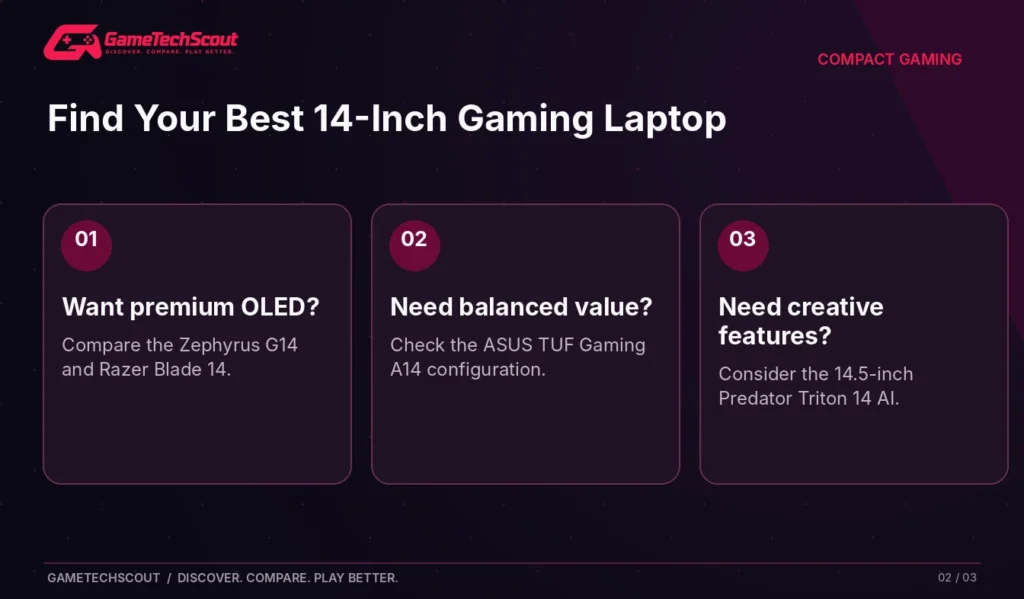
If you’re willing to consider something slightly larger than 14 inches, the Predator Triton 14 AI has a compelling specification sheet.
Acer’s US PT14-52T configuration lists a 14.5-inch 2880 × 1800 OLED touchscreen at 120Hz, an RTX 5070 Laptop GPU at up to 110W, 32GB LPDDR5X memory, and a 2TB SSD.
That makes it particularly interesting if your work includes creative software, media editing, and gaming on the same machine.
The Main Compromise
A premium compact alternative is rarely cheap. You’re paying for a high-resolution touchscreen, powerful components, and a specialized chassis. Also, it isn’t literally a 14.0-inch laptop, so check its physical dimensions before assuming it fits the sleeve you already own.
Pros: high-resolution OLED touch display, strong hardware configuration, useful storage for large games and media.
Cons: premium-class pricing, fixed memory configuration, slightly larger footprint.
Is a 14-Inch Gaming Laptop Powerful Enough for Modern Games?
Yes, the better models are legitimate gaming machines. A compact size doesn’t prevent a laptop from running demanding titles, but it changes how much power and heat the chassis can manage.
In PC Gamer’s 2026 gaming laptop testing, 14-inch machines using RTX 5060, RTX 5070, and RTX 5070 Ti graphics produced substantially different results across demanding benchmarks. The publication also measured noise, temperature, and power, showing why laptop design matters just as much as GPU branding.
1080p, 1200p, and 1600p Gaming
A 2560 × 1600 or 2880 × 1800 display looks sharp on a small screen, but games rendered at those native resolutions ask more from the GPU than 1080p.
Competitive games may take advantage of the high refresh rate. Demanding single-player games often benefit from tuned settings or supported upscaling instead of automatically maxing everything out.
Does a 120Hz OLED Beat a 165Hz IPS Display?
Not automatically. OLED excels at contrast and pixel response; IPS can offer a faster listed refresh rate, a lower price, and less concern about static-image wear. Choose based on your games, brightness needs, color priorities, and how much you use static work interfaces.
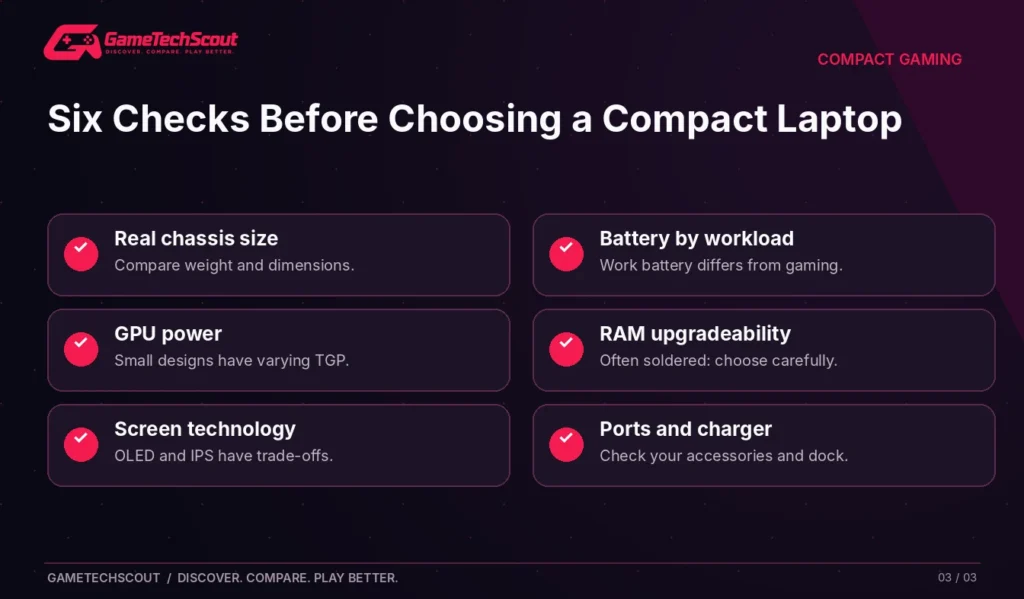
What to Check Before Buying a 14-Inch Gaming Laptop
A compact laptop should make your everyday life easier, not simply look smaller in photos.
| Buying factor | Why it matters |
|---|---|
| Weight and charger | A small laptop with a heavy adapter can be less convenient than expected |
| Battery during productivity | Gaming battery tests are different from class/work battery life |
| GPU power allowance | Two laptops with the same GPU can perform differently |
| Soldered RAM | You may need to choose 32GB at purchase |
| SSD access | Storage upgrades vary by chassis |
| Fan character | High-pitched fans can be distracting in quiet rooms |
| Ports and USB-C charging | Check support for your monitor, dock and travel setup |
For a closer look at configurable components and soldered-memory compromises, read our gaming laptop customization guide.
A Practical Buying Checklist
- Confirm that the laptop really has a 14-inch screen, rather than 14.5 inches.
- Compare the exact GPU and its power limit.
- Choose sufficient RAM if it cannot be upgraded.
- Read independent battery, thermal, and noise tests.
- Check the included charger and supported USB-C power modes.
- Compare warranty and return terms.
If you’re still choosing between manufacturers, our gaming laptop brand comparison explains the different strengths of ASUS, Razer, Lenovo, MSI, Acer, and other gaming-focused companies.
Are 14-Inch Gaming Laptops Worth Their Premium?
The answer depends on how often you move your laptop.
If you commute daily, work away from home, or value a smaller desk footprint, compactness may be worth paying for. A smaller system may also be easier to use on a couch or in shared living spaces.
If you mostly play plugged in at one desk, a 15- or 16-inch gaming laptop can offer stronger price-to-performance value, more room for cooling, and sometimes easier upgrades. Don’t pay a portability premium for a feature you rarely use.
For readers prioritizing maximum performance instead, our high-end gaming laptop comparison covers larger premium alternatives.
Frequently Asked Questions
What Is the Best 14 Inch Gaming Laptop in 2026?
The ASUS ROG Zephyrus G14 is our premium starting recommendation, while the ASUS TUF Gaming A14 is attractive for a more value-focused compact gaming system. The final choice depends on the exact configuration and price.
Is a 14-Inch Gaming Laptop Too Small for Gaming?
Not necessarily. The display is smaller, but high pixel density and fast refresh rates can make it enjoyable. Try a 14-inch screen in person if you are used to a 17-inch monitor.
Can a 14-Inch Gaming Laptop Have an RTX 5060?
Yes. ASUS lists an RTX 5060 configuration for the TUF Gaming A14, including a rated GPU power allowance of up to 105W.
Is the Zephyrus G14 Better Than a Razer Blade 14?
Both have appealing premium designs. Compare current availability, panel quality, GPU configurations, thermals, and your local warranty. Don’t choose by brand alone.
Can You Upgrade RAM in a Compact Gaming Laptop?
It depends on the model. Several of the premium compact systems discussed here have soldered memory, so the chosen capacity is important at purchase.
Are 14-Inch Gaming Laptops Good for College?
They can be particularly useful when you want one portable computer for coursework and gaming. Check weight, battery life, webcam, keyboard, charger size, and fan noise.
Is a 14.5-Inch Laptop the Same Size as a 14-Inch Model?
No. Screen size alone also doesn’t tell you chassis dimensions, so compare width, depth, and weight before buying accessories.
Conclusion: Which Compact Gaming Laptop Should You Buy?
The ASUS ROG Zephyrus G14 deserves a place at the top of your shortlist if you want a premium portable gaming machine with OLED display quality and strong graphics options. For a practical 14-inch gaming laptop at a potentially better value, compare the ASUS TUF Gaming A14.
The Razer Blade 14 (2025) remains relevant when you find legitimate stock, while the Acer Predator Triton 14 AI is a strong 14.5-inch alternative for mixed gaming and creator work.
Compare the full system, not just screen diagonal. Look closely at GPU wattage, soldered RAM, cooling, noise, and warranty before ordering. For a broader model shortlist, visit GameTechScout’s best gaming laptops in 2026 guide.
Which compact gaming laptop would you actually carry every day? Share your budget and favorite games in the comments.
Editorial note: This guide uses manufacturer specifications and independent reviews rather than hands-on testing by GameTechScout. Availability, prices, and model configurations change.

4 Comments