

Table of Contents
You need a laptop that survives a day of classes, research, group projects and video calls. You also want to unwind with your favorite games at night. Shopping for two separate computers feels expensive, but buying a giant gaming laptop that runs out of battery halfway through a lecture can be just as frustrating.
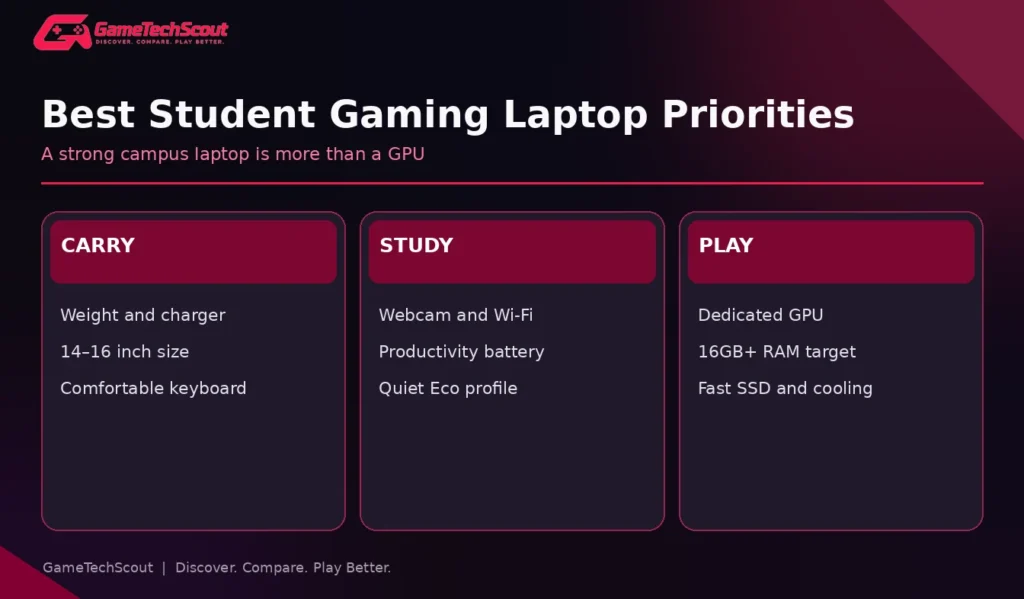
The best gaming laptop for college students balances more than gaming power. Weight, keyboard comfort, battery life, webcam, fan noise, software compatibility, storage and warranty matter when a laptop follows you everywhere. A fast GPU is useful, but it shouldn’t make your everyday work harder.
This guide compares practical laptop families worth investigating in 2026, shows how to choose based on your major and budget, and explains what to test before you buy.
Best Gaming Laptops for College Students: Quick Picks
| Laptop family | Main strength | Main trade-off | Best fit |
|---|---|---|---|
| ASUS TUF Gaming A14 (2026) | Compact size with dedicated graphics | Onboard RAM; screen differs by SKU | Commuters and value-focused buyers |
| ASUS ROG Zephyrus G14 (2026) | Premium 14-inch OLED and portability | High cost, soldered memory | Design-conscious students and creators |
| Lenovo Legion 5i Gen 10 | Strong gaming hardware and OLED option | Weak gaming battery runtime in tested unit | Students gaming mostly near outlets |
| Lenovo LOQ 15 | Practical dedicated-GPU value | Bulkier chassis and variable screens | Budget-conscious desktop-style use |
| Acer Nitro V 15 | Entry-level gaming configurations | Cooling and screen quality vary | Students shopping discounted models |
These are families to compare, not five offers guaranteed in stock or within a particular price. Configurations and country-specific variants may differ.
Our quick recommendation: Start with the ASUS TUF A14 if you truly carry the laptop all day, and compare a Lenovo Legion or LOQ if gaming performance matters more than size. The premium G14 makes sense only if its OLED and lightweight design justify the additional price.
What College Students Actually Need From a Gaming Laptop
It Must Work in Class First
A college laptop needs a comfortable keyboard, usable webcam, reliable Wi-Fi, enough ports for accessories, and a screen readable in classrooms. A quiet power profile matters if you’re taking notes next to other students. Some game-focused machines are excellent at 1080p gaming but have dim displays, weak speakers or loud fans.
Independent testing from RTINGS’ college laptop guide emphasizes battery life, weight, usability, keyboard, display and connectivity. Those priorities still apply when the laptop also has gaming hardware.
The Whole Bag Weight Counts
A slim 14-inch laptop with a small adapter feels very different from an 18-inch desktop replacement and a heavy power brick. Check the laptop’s weight and charger size. If you’re moving between buildings every day, physical size may deliver more value than the next GPU tier.
Your Degree Program Might Change the Recommendation
An engineering or architecture department may specify a particular OS, professional GPU, RAM requirement or application version. A good gaming laptop can accelerate some tasks, but don’t assume it automatically meets every course’s software certification. Ask your department about requirements before ordering.
1. ASUS TUF Gaming A14 (2026) — Best Compact Value to Investigate
The ASUS TUF A14 is a useful starting point for students who want dedicated gaming performance without carrying a traditional 17-inch machine. The 2026 models include RTX 5060 options, a 14-inch IPS-level display, and a compact design.
According to ASUS documentation cited in our best 14-inch gaming laptops guide, selected TUF A14 configurations can offer an RTX 5060 Laptop GPU rated up to 105W including Dynamic Boost and a 165Hz 2560×1600 display.
Why consider it: The 14-inch form factor is practical for a backpack, and dedicated graphics are useful for gaming and compatible creator applications.
Watch out for: Memory may be soldered, so choose the right RAM at purchase. Check brightness, the adapter, and actual productivity battery tests. No manufacturer gaming spec replaces a real college-day endurance test.
Who Should Choose It?
A commuter who plays games several evenings a week and wants one laptop for coursework, streaming and occasional gaming sessions. Compare 16GB and 32GB configurations carefully.
2. ASUS ROG Zephyrus G14 (2026) — Best Premium Portable Option
The Zephyrus G14 adds more premium construction and display quality to the compact-gaming formula. ASUS’s 2026 G14 press specifications describe 14-inch 2880×1800 OLED displays at 120Hz, a 73Wh battery, and chassis weights around 1.5kg to 1.58kg depending on configuration.
Those are attractive numbers for a powerful laptop, but they don’t establish how many hours you’ll get during lectures. OLED battery behavior depends on brightness and content; gaming runtime is a separate question.
Why consider it: Excellent contrast, small size, premium build and capable graphics options make it suitable for gaming, media work and daily classes.
Watch out for: High price and soldered memory. If you primarily write documents and play light esports games, a less expensive laptop may leave more money for books, software or accessories.
Is OLED Worth It for College?
It can be if you edit videos, enjoy cinematic games and spend time watching content. But if you work for long hours with static toolbars or bright backgrounds, a high-quality IPS screen may be better suited to your budget and habits. For the detailed trade-offs, read our existing gaming monitor buying guide and compare exact laptop displays.
3. Lenovo Legion 5i Gen 10 — Best Gaming-Focused Class-and-Play Option
The Lenovo Legion 5i Gen 10 deserves consideration if you want strong gaming hardware in a reasonably manageable form factor. In Tom’s Guide’s college laptop recommendations, a tested Legion 5i is highlighted as a gaming-oriented choice thanks to performance and an OLED display.
But the review also reports poor gaming battery life and noticeable fan noise. That is important if you spend long days away from power sockets.
Why consider it: A strong choice if your college routine includes plugged-in desk work and evening gaming, especially if you value the higher-end display.
Watch out for: Don’t assume it’s a full-day unplugged school laptop. Research battery tests for web browsing and productivity, not only gaming performance.
4. Lenovo LOQ 15 — Best Value-Focused Alternative
The Lenovo LOQ 15 is a more budget-conscious gaming family. Selected configurations have a dedicated RTX 5050 GPU, useful gaming displays and serviceable storage options. Its design may be less premium than a flagship Legion, but practical performance matters more than appearance for many students.
The Lenovo LOQ vs Acer Nitro V comparison on GameTechScout explains why exact GPU wattage and memory configuration should influence your choice. A low-cost LOQ isn’t automatically the same as a differently configured LOQ carrying the same family name.
Why consider it: If you’re in a shared room or mostly study at a desk, paying less for a capable GPU and sufficient RAM can be sensible.
Watch out for: Chassis and charger weight, screen brightness, noise and battery performance. Those may be more noticeable during college than during a short game benchmark.
5. Acer Nitro V 15 — Best Discount-Driven Option
The Acer Nitro V 15 can be worth investigating when a specific configuration is priced well. Nitro V models vary significantly by CPU, GPU, RAM, screen and cooling, so read the exact SKU rather than using a brand-wide reputation as a shortcut.
Acer offers gaming-first hardware without the luxury materials of premium ultrabooks. That can work well if you already have easy access to outlets, a reasonably large backpack, and a willingness to tune game settings.
Why consider it: Attractive deals sometimes make a dedicated-GPU Nitro V better value than a general-purpose laptop marketed as “gaming capable.”
Watch out for: Screen and thermal differences between configurations. Make sure the laptop you buy is the laptop the reviewer actually tested.
How Much Should a Student Spend?
| Shopping band | What to investigate | Main trade-off |
|---|---|---|
| Under $700 | Refurbished or heavily discounted gaming hardware | Battery wear, warranty, older components |
| $700–$1,000 | Entry-level RTX systems, Lenovo LOQ, Acer Nitro V | Screen and battery compromises |
| $1,000–$1,500 | Stronger RTX 5060 configurations and better panels | Weight, total cost and warranty |
| $1,500+ | Compact premium OLED machines and stronger GPUs | Price versus real benefit |
These are budgeting categories, not live verified deals. The cost that matters is the final checkout price, any required upgrades, and what your degree needs. If you have a strict ceiling, see our gaming laptops under $1,000 guide.
A Student-Focused Specification Checklist
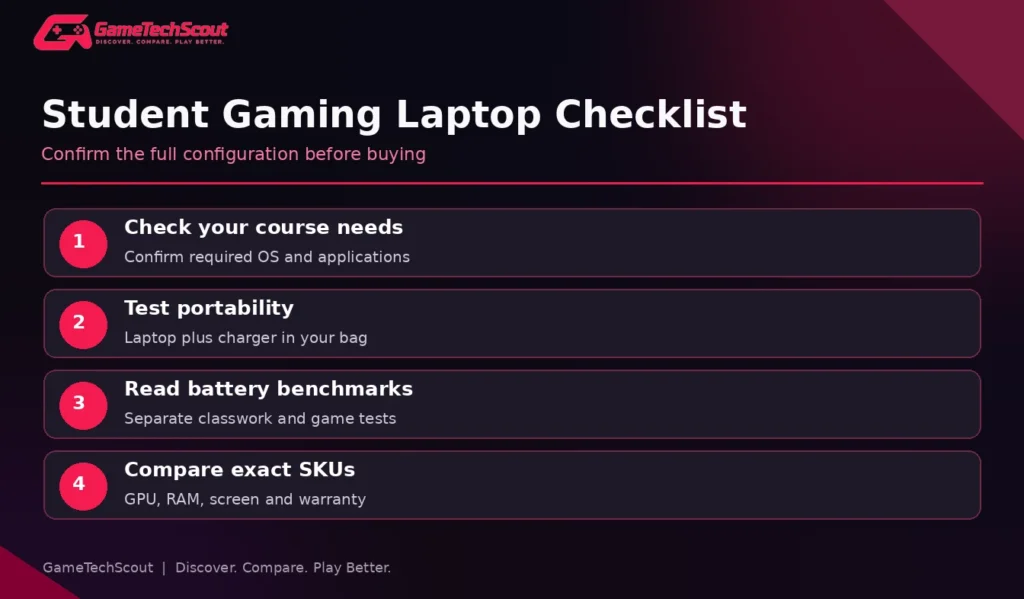
- CPU: Choose a capable recent processor, but don’t pay for top-tier silicon if your coursework won’t use it.
- GPU: An RTX 5050 or 5060 can be a practical starting point depending on price, games and TGP.
- RAM: Aim for 16GB minimum for mixed workloads; 32GB can help heavier creative or development tasks.
- SSD: A 1TB drive gives more room than 512GB for games, school files and applications.
- Display: A good 14–16-inch 120Hz+ panel is useful; brightness and coating matter in class.
- Webcam: Confirm video-call image and microphone quality from reviews.
- Ports: Check HDMI, USB-C, charging and external-monitor compatibility.
- Warranty: Consider repair support where you actually study, not only where you purchased the laptop.
Gaming Laptop Battery Life for College Students
The phrase “all-day battery” is particularly risky for gaming laptops. One machine might last through document editing, but a graphically demanding game can exhaust its battery much sooner. PC Gamer’s 2026 gaming laptop guide shows large differences between gaming-focused battery tests, with tested models often well below a full school day.
If you’re in classes for six to eight hours, focus on independent productivity battery testing, charging logistics, and whether a quiet Eco mode is effective. A gaming laptop isn’t automatically the right choice if you rarely play away from your dorm.
Battery Life Versus Gaming Performance
A higher GPU tier may improve gaming performance, but it cannot replace the convenience of a lightweight charger and an efficient everyday mode. Balance your decision around the timetable you live with, not only benchmark charts.
Gaming Laptop or Desktop for College?
If you travel between home and campus and have only one computer budget, a gaming laptop can be practical. If you already own a lightweight class laptop and play games at a permanent desk, upgrading or buying a desktop may deliver better value.
Our Are Gaming Laptops Worth It? guide covers the portability, repair and ownership trade-offs. The best decision is the one that works with your real schedule.
Common Mistakes Students Make
- Buying a huge gaming laptop without checking whether it fits their backpack.
- Treating a gaming-battery benchmark as a prediction for lecture use.
- Buying 8GB RAM without checking whether it can be upgraded.
- Ignoring required software for their degree program.
- Assuming a powerful GPU guarantees a bright, accurate screen.
- Forgetting charger weight, fan noise and webcam quality.
- Spending a premium on RGB lighting rather than useful hardware and warranty.
- Choosing on model-family name instead of exact SKU and independent testing.
Frequently Asked Questions
What Is the Best Gaming Laptop for College Students in 2026?
The ASUS TUF A14 is a strong compact option to investigate, while the Zephyrus G14 suits premium buyers and the Lenovo Legion or LOQ families work for students prioritizing performance or value. Verify current configurations and battery testing.
Are Gaming Laptops Good for College?
They can be if you need one portable machine for school and gaming. Weight, battery life and classroom comfort matter just as much as FPS.
Is a 14-Inch or 16-Inch Gaming Laptop Better for College?
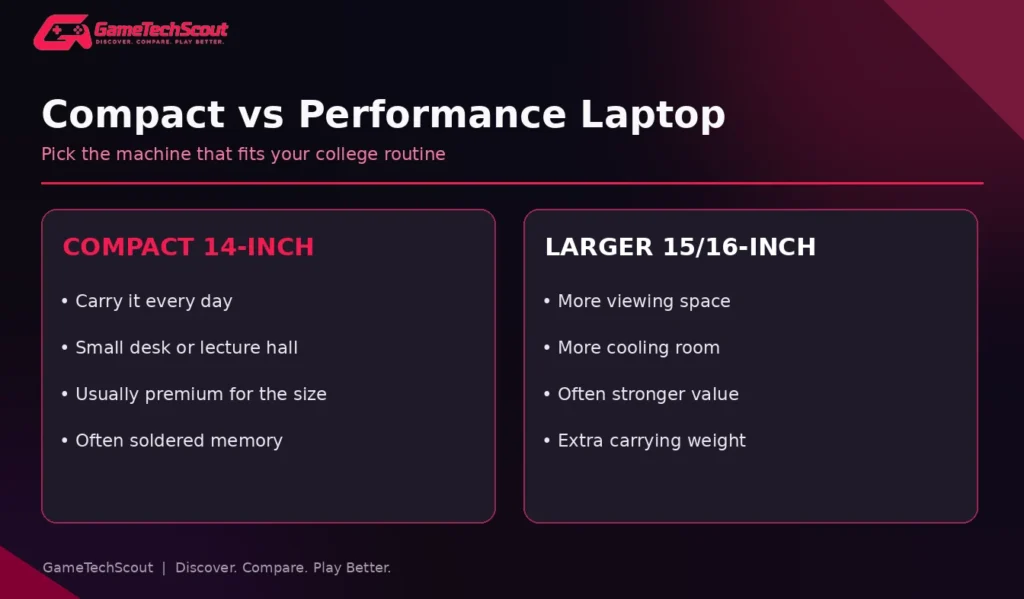
A 14-inch model is often easier to carry; a 16-inch model gives more screen space and sometimes more cooling capacity. Check actual dimensions and charger weight.
Is 16GB RAM Enough for College Gaming?
It is a practical starting point for many students. Creative and engineering workloads may benefit from 32GB or more; check course requirements.
Should I Buy OLED for College?
OLED offers excellent contrast and motion, but consider price, reflections and prolonged static applications. A good IPS panel may be more practical.
Can I Use a Gaming Laptop Without the Charger in Class?
Yes, but actual endurance depends on workload, battery condition and power mode. Check productivity tests for the exact model.
Conclusion: Choose a Laptop for Both Sides of Your Life
The best gaming laptop for college students isn’t the machine with the most impressive GPU sticker. It’s the one you can carry, use comfortably in class, and still enjoy when you have time to play.
Compare your course requirements, daily travel, gaming preferences, battery tests and final budget. Then shortlist two exact SKUs and check independent reviews before ordering. What’s your college major and budget? Share both in the GameTechScout comments so other students can compare practical options.
Editorial note: This guide uses manufacturer specifications and published third-party reviews. GameTechScout has not personally tested all models. Pricing, availability, specifications and warranty terms vary.