
Table of Contents
You’re comparing two gaming laptops that look nearly identical on paper. Both have a capable graphics card, enough memory, and a fast screen. But one advertises a 240Hz OLED panel, while the other offers a 165Hz IPS display at a lower price. Is the extra money buying a meaningfully better experience, or simply a more impressive specification?
The OLED vs IPS gaming laptop decision is about how you actually use your screen. Deep blacks and quick pixel transitions are appealing in dark, cinematic games; brightness, static-work durability, and total price may matter more when your laptop is also your work or school computer. Neither panel technology makes a weak laptop fast, and a good IPS screen can be more useful than a poorly chosen OLED configuration.
This guide explains the differences, the compromises you might not notice in a store, and exactly what to check before buying.
OLED vs IPS Gaming Laptop: Quick Comparison
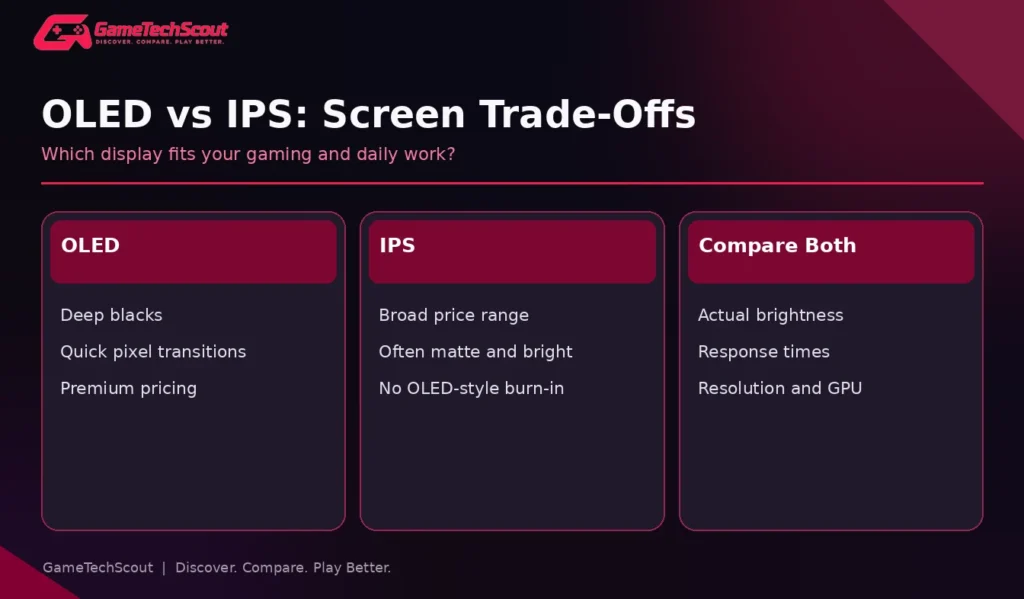
| Buying factor | OLED laptop display | IPS laptop display |
|---|---|---|
| Black levels | Pixels can turn off individually; excellent blacks | Backlight can make dark areas appear gray |
| Response time | Typically very quick pixel transitions | Varies; good gaming IPS can still be fast |
| Bright rooms | Depends on brightness, coating and reflections | Many matte IPS configurations perform well |
| Static images | Burn-in risk with prolonged repeated content | No OLED-style burn-in concern |
| Color quality | Often impressive wide gamut | Can be excellent, but check the exact panel |
| Price | Often a premium feature | Available across a wider range of budgets |
| Battery behavior | Depends heavily on content and brightness | Depends on backlight, panel efficiency and settings |
Quick verdict: Choose OLED for contrast-rich gaming, films, and fast motion if you accept its care requirements and price. Choose a strong IPS panel if your budget matters, you spend long days with static applications, or you need a matte and bright screen for mixed use.
Independent display testing from RTINGS’ IPS versus OLED analysis provides useful explanations of contrast, motion response and retention trade-offs. Its measured monitor examples illustrate the technologies, although an individual laptop panel can behave differently.
How OLED and IPS Screens Actually Work
OLED: Light Comes From Individual Pixels
An OLED screen has self-emitting pixels. A pixel producing black can switch off, so bright game elements can sit beside genuinely dark backgrounds without the conventional LCD backlight illuminating the whole scene. That is why dark dungeons, nighttime cityscapes and movies often look striking on an OLED gaming laptop.
OLED pixels also change state very quickly. Fast motion can look particularly crisp, although frame rate, frame pacing, refresh rate and panel processing still affect the overall experience. An OLED screen will not magically make a game running at 45 FPS feel like 144 FPS.
IPS: A Backlight Shines Through an LCD
IPS is a type of liquid-crystal display. It generally has wide viewing angles and is available in many resolutions, finishes, brightness levels and refresh rates. Its backlight means that dark content can retain a gray glow in a dim room, especially on ordinary edge-lit panels.
But IPS does not equal cheap or bad. A well-tuned 1600p IPS laptop screen with strong color coverage and good response times can be excellent for gaming, schoolwork and editing. Panel quality matters more than a broad technology label.
Which Looks Better in Actual Games?
Dark AAA Games and HDR Scenes
If you spend hours exploring shadowy environments or watching atmospheric cutscenes, OLED’s contrast is easy to appreciate. You may notice more separation between bright UI elements and genuinely black areas, and fewer gray-looking nighttime scenes.
That doesn’t mean every OLED laptop delivers exceptional HDR. Look for tested brightness, HDR certification, tone mapping and color accuracy. A display may have deep blacks while still struggling to show intense highlights in a bright room. Compare independent measurements of the exact laptop model, not generic OLED marketing.
Competitive Games: 165Hz IPS or 240Hz OLED?
A 240Hz OLED can combine a high refresh rate with quick pixel transitions, an attractive pairing for esports. Yet a good 165Hz IPS remains smooth when your laptop delivers stable frame rates. The difference matters less if your favorite game runs at 70 FPS, or if you mainly play slower single-player titles.
Look for refresh rate, actual response-time testing, overshoot, and variable refresh rate support. OLED can also show VRR flicker in some situations with unstable frame rates, so read reviews rather than assuming it is perfect in every game.
Why the GPU Matters as Much as the Screen
A higher-resolution OLED panel may push more pixels than a lower-resolution IPS option. If the OLED laptop also has a weaker GPU or lower power limit, your gaming performance could be worse despite the more luxurious display. Our RTX 5050 vs RTX 5060 laptop comparison explains why GPU configuration changes the buying decision.
OLED Burn-In: What Should You Actually Worry About?
OLED displays can experience persistent image retention after prolonged exposure to repeated, high-contrast static content. Think of a fixed taskbar, the same game’s HUD, or an editing application’s toolbars displayed every day at high brightness.
That doesn’t mean an OLED panel will necessarily fail in a year. Usage patterns, brightness and built-in protection features matter. Still, it is a real ownership consideration, especially when you plan to keep one laptop throughout college.
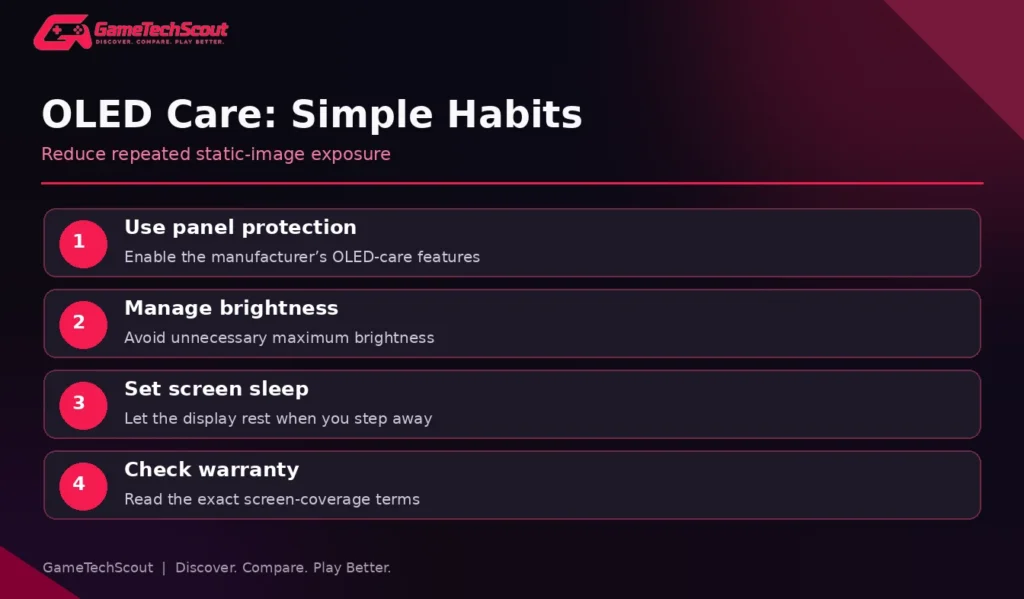
ASUS’s official OLED burn-in guidance recommends using panel care features, choosing sensible screen sleep settings, and avoiding prolonged static imagery at maximum brightness. Check the specific laptop’s warranty terms rather than assuming screen retention is covered.
Useful habits include:
- Enable the manufacturer’s OLED-care features and automatic screen sleep.
- Avoid leaving bright, static UI elements on screen for hours when you’re away.
- Use sensible brightness instead of maximum brightness everywhere.
- Let the screen run recommended maintenance cycles where provided.
- Read your warranty’s exact display exclusions and protections.
If you spend ten hours a day with spreadsheets, code editors or persistent software dashboards, IPS removes this particular worry. If your screen usage rotates between games, videos and daily tasks, OLED may still suit you well.
Brightness, Glare and Daily Productivity
A laptop screen can look fantastic in a dark demo room and frustrating next to a sunny window. Many IPS laptop panels use matte coatings, while some OLED gaming laptops use glossy surfaces; neither coating is exclusive to one display technology.
Before buying, check the published sustained SDR brightness, measured reflections, and screen coating. Peak HDR brightness is not the same thing as how bright your desktop looks while writing an essay. A bright, matte IPS laptop may be easier to use in class than a reflective OLED model—even if the OLED wins a nighttime gaming comparison.
What About Text Clarity?
IPS panels typically use conventional RGB subpixel layouts and can be attractive for long reading or writing sessions. Some OLED subpixel arrangements can show color fringing around small text, though the effect varies by panel resolution and pixel structure. Don’t assume a monitor test transfers exactly to a high-density laptop screen. If text comfort matters, inspect sample text at your normal Windows scaling.
Gaming Laptop Examples That Show the Difference
ASUS’s 2026 ROG Zephyrus G14 specification announcement documents 14-inch 2880×1800 OLED configurations at 120Hz. These models make sense when you want premium visual quality in a compact chassis, though prices and soldered-memory choices deserve attention.
The ASUS TUF Gaming 16 (2026) specification page lists IPS-level configurations at 144Hz and 165Hz. They illustrate how IPS remains practical in gaming laptops aimed at performance and value.
Neither is automatically the better purchase. The G14 serves an especially portable, premium shopper; the TUF 16 serves someone who may care more about cost and gaming hardware. For deeper model comparisons, use our best 14-inch gaming laptops guide.
OLED vs IPS for Different Buyers
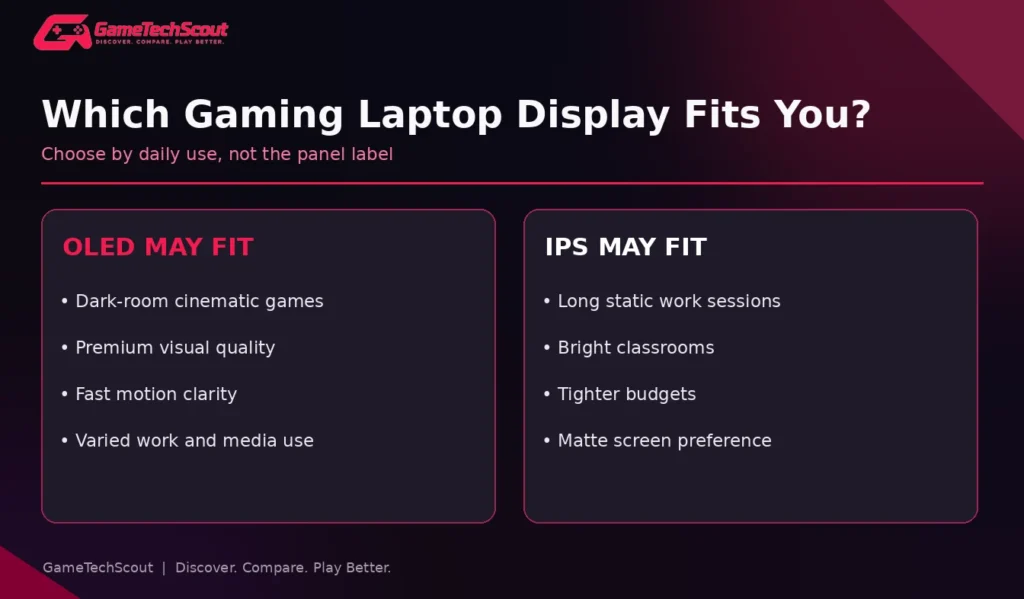
| Your situation | Where to start | Why |
|---|---|---|
| Story-driven gaming in a dim room | OLED | Deep blacks, high contrast and fast transitions |
| College work with long static sessions | IPS | Lower ownership anxiety and often better value |
| Competitive gaming on a strict budget | Fast IPS | Prioritize GPU, refresh and response testing |
| Premium gaming and streaming | OLED | Excellent cinematic image quality |
| Bright classrooms and shared spaces | Bright matte IPS | Reflections and readability can matter more |
| Photo/video work plus gaming | Compare exact panels | Color accuracy, gamut and calibration are key |
Should You Spend More for OLED?
Only if the improvement matters to your actual use. If switching to OLED forces you to downgrade your GPU, RAM or SSD, you may regret the trade. A dependable 16GB or 32GB RAM configuration, good cooling, and a capable GPU often affect everyday usefulness more than the final step up in screen contrast.
For premium options with OLED and Mini-LED displays, see GameTechScout’s high-end gaming laptop guide. Keep its buyer intent separate from this display-technology explainer.
Seven Checks Before You Buy
- Confirm the exact screen technology and model SKU, not merely the marketing series.
- Compare resolution: 1080p/1200p is less demanding than 1600p or 1800p gaming.
- Check refresh rate and measured pixel response, not refresh alone.
- Look for independent SDR brightness and reflection measurements.
- Examine color gamut and calibration if you create content.
- Read the OLED-care and warranty policies if you choose OLED.
- Compare the entire laptop price and GPU configuration before paying for the panel.
Common Mistakes
Don’t assume OLED always means a brighter screen, or that every IPS is washed out. Don’t mistake peak HDR brightness for sustained desktop readability. And don’t infer battery runtime from panel technology alone: brightness, dark-versus-light content, GPU switching and system design all influence endurance.
If a retailer describes the screen only as “IPS-level,” find a trustworthy review of that exact panel. If OLED is advertised, confirm the refresh rate and whether the listed configuration actually includes it.
Frequently Asked Questions
Is OLED better than IPS for a gaming laptop?
OLED generally offers deeper blacks and faster pixel transitions, but a good IPS screen can be preferable for budget, bright-room productivity and avoiding burn-in risk.
Does OLED improve gaming FPS?
No. The display doesn’t increase the GPU’s rendered frame rate. Resolution and display settings can change workload, but OLED itself does not add FPS.
Do OLED gaming laptops burn in?
Permanent image retention is possible after prolonged repeated static content. Protective features and varied use help reduce the risk, but warranty coverage should be checked individually.
Is 165Hz IPS good enough for gaming in 2026?
Yes. A well-tested 165Hz IPS panel is a good choice for many players, especially when the laptop sustains useful frame rates and has a responsive panel.
Is OLED worse for battery life?
Not automatically. Power use depends on the panel, brightness, content and power-management settings. Dark content may behave differently from bright webpages.
Is OLED worth it for college students?
It can be if gaming and media quality matter a lot, but consider hours of static coursework, reflections, price and warranty protection first.
Conclusion: Choose the Screen You Will Actually Enjoy
The right OLED vs IPS gaming laptop choice depends on your games and daily habits. OLED is compelling for immersive visuals and crisp motion. IPS remains a practical option for affordable gaming, all-day productivity and bright spaces.
Compare two complete laptops in your price range, not two panel names in isolation. Then read a screen review, check the warranty, and prioritize the hardware that matters most to your games. Which display would you choose? Share your laptop model and gaming priorities in the GameTechScout comments.
Editorial disclosure: This comparison draws on manufacturer documentation and independent display testing. GameTechScout has not personally tested every panel discussed. Individual laptop configurations, warranties and availability vary.