
Table of Contents
You have decided to buy a gaming desktop. Then you reach the part nobody enjoys: one store offers a ready-to-use PC with a warranty and glowing fans, while a parts list promises more control for the same budget. Which one actually gives you the experience you want? The prebuilt vs custom gaming PC decision is less about which choice is universally faster and more about who picks the components, who assembles them, how support works, and what you pay for the complete system.
In 2026, a discounted prebuilt can sometimes cost less than buying every part separately. On other days, a carefully planned custom build may offer better component quality or easier upgrades. This guide compares prebuilt, professionally custom-built, and do-it-yourself (DIY) desktops, so you can choose confidently instead of paying extra for a label. GameTechScout’s recommendations are based on published specifications and buying guidance, not first-hand testing of every PC.
Prebuilt vs Custom Gaming PC: The Quick Answer
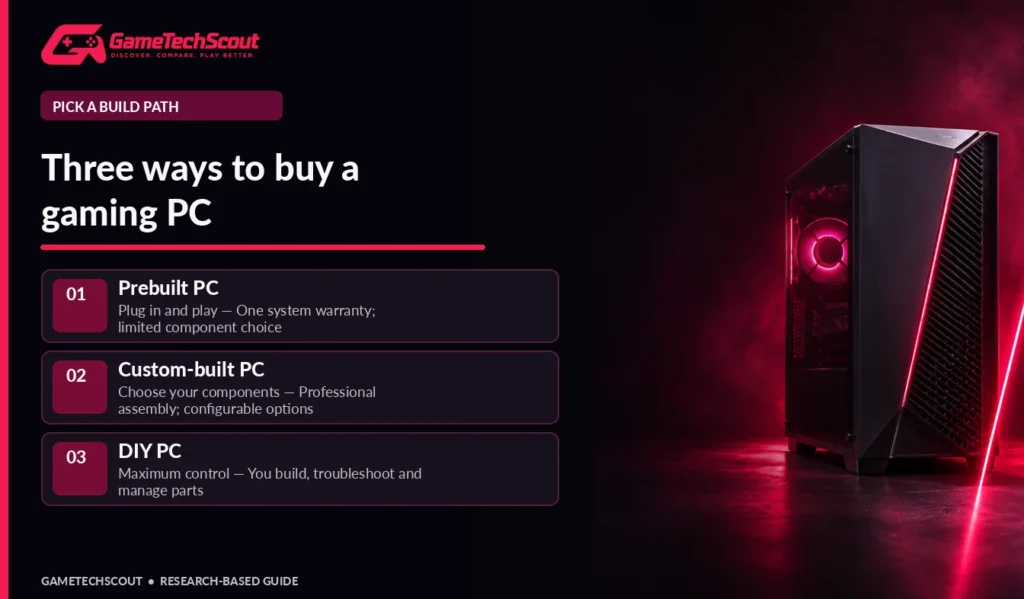
| Buying path | Best advantage | Main compromise | Best for |
|---|---|---|---|
| Prebuilt | Convenient setup and typically one system-support contact | Less control over every component | First-time buyers and people who want to play soon |
| Custom-built by a company | Choose many components without assembling them | Assembly premium and possible lead time | Buyers with a particular hardware or style target |
| DIY custom build | Maximum control and component selection | You assemble and troubleshoot everything | Enthusiasts willing to learn and maintain a PC |
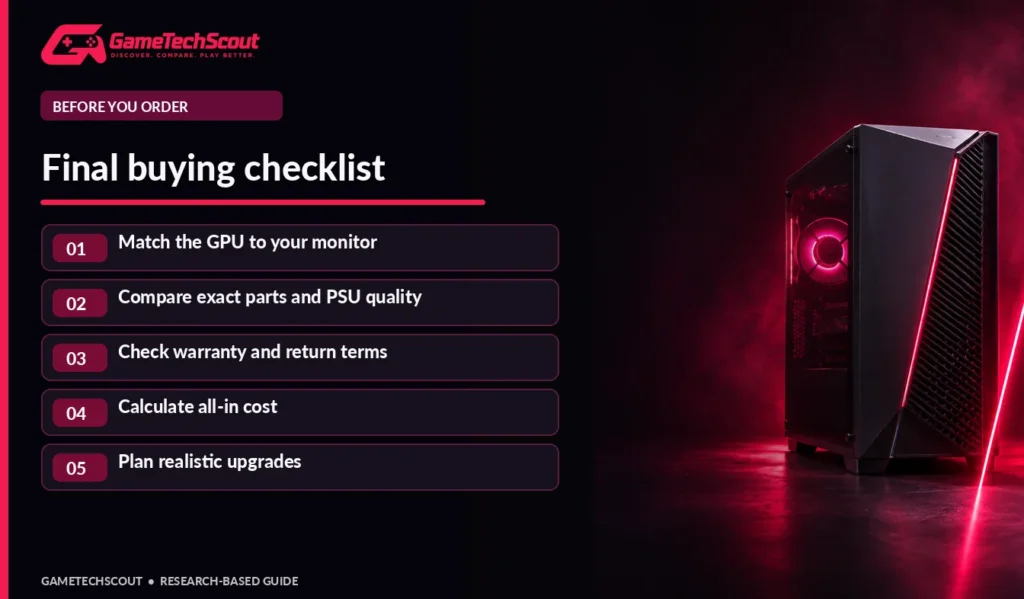
Our recommendation: Compare a complete prebuilt and a realistic parts list at the same total price. Check GPU, CPU, RAM, SSD, power supply, warranty, and cooling. A desktop should win because of what it delivers, not because its product title says custom.
The distinctions above align with Intel’s official comparison of prebuilt, custom-built, and DIY systems.
What Is a Prebuilt Gaming PC?
A prebuilt gaming PC is already assembled by a manufacturer or retailer. You select an offered configuration, plug it in, finish Windows setup, and install your games. The company generally handles initial assembly, validation, packaging, and system-level customer support. That convenience matters when you have limited time or no experience handling components.
Prebuilts can also have useful discounts. Large builders source parts in volume, bundle Windows, and offer promotions that a single consumer cannot duplicate. Do not assume a DIY build is automatically cheaper; Intel specifically notes that the lowest-cost route varies with market conditions, discounts, and component availability.
Advantages of a Prebuilt Gaming Desktop
- Faster route from purchase to playing games.
- Easier single-point support when the complete system develops a fault.
- Factory-installed software and a configured operating system.
- Useful deals when the bundled GPU or memory is expensive separately.
- No need to diagnose assembly problems on day one.
Drawbacks to Investigate
A prebuilt may list “RTX graphics” and “16GB RAM” while leaving out the exact power supply, motherboard, SSD model, or RAM configuration. Some compact or proprietary systems can make future component replacements difficult. Others use standard parts and are straightforward to upgrade. There is no rule that applies to every manufacturer.
Before buying, ask for the exact GPU model, CPU, RAM arrangement, PSU manufacturer and wattage, case dimensions, and cooling design. Our best prebuilt PC buying guide provides a broader checklist for comparing complete systems.
What Is a Custom-Built Gaming PC?
“Custom” can describe two different experiences. A custom-built system integrator lets you choose from supported parts, then assembles and tests the PC for you. A DIY custom build means you source compatible parts, assemble the system, install software, and troubleshoot problems personally.
Professional Custom-Built PCs: Flexibility With Support
This middle option is attractive when you want a particular case, graphics card, cooler, or storage setup but have no desire to assemble the machine. You can often select component tiers and cosmetic details. The builder should disclose compatibility and explain any system warranty. However, not every integrator allows unrestricted parts choices, and specialized assembly or cosmetic upgrades can raise the price.
Our custom gaming PC build configurations illustrate how to match a build to 1080p, 1440p, or higher-end gaming rather than buying a flagship CPU by default.
DIY Gaming PCs: Total Control and Responsibility
Building your own desktop lets you choose the motherboard, case, cooling, storage, and power supply rather than accepting unspecified parts. That is especially valuable if you care about noise, repairability, small-form-factor design, or upgrading components over several years.
The drawback is responsibility. You need to verify socket and BIOS compatibility, RAM support, power connectors, cooler clearance, airflow, and GPU dimensions. If the system fails to boot, there may be multiple manufacturers to contact. You are also responsible for installing Windows and making backups.
Gaming Performance: Does Custom Mean More FPS?
Not automatically. With the same CPU, GPU, memory configuration, cooling, and power limits, a well-assembled prebuilt and a DIY desktop should perform similarly in the same games. A custom system may win if it lets you allocate more money to the GPU or select a faster cooling arrangement, but those are component differences, not an intrinsic magic advantage of building it yourself.
Prioritize the Graphics Card for Your Resolution
The GPU is a major factor in modern gaming performance. Before selecting a desktop, decide what monitor you will use:
| Gaming target | Hardware-shopping emphasis |
|---|---|
| 1080p, mainstream games | Balanced GPU and CPU, 16GB–32GB RAM, SSD |
| 1440p, newer AAA titles | Stronger GPU, VRAM, cooling, capable processor |
| High-refresh competitive titles | Fast, stable CPU performance and a monitor that can display those frames |
| 4K or intensive ray tracing | Premium GPU, suitable memory capacity, PSU and cooling |
Do not interpret this as a promise that a particular card will run every game at a particular FPS. Independent benchmarks should be matched to your games, resolution, settings, and whether upscaling is enabled.
Examine CPU, RAM, SSD, and Cooling
For a mainstream gaming desktop, 16GB system memory can be workable, while 32GB provides more headroom for newer games and multitasking. A 1TB SSD is a practical starting point for multiple installs, though storage needs depend on your game library. Check whether a seller uses two RAM modules or one, what slots remain free, and whether the PSU has room for a later GPU upgrade.
Intel’s prebuilt gaming PC guide emphasizes CPU/GPU balance, storage, connectivity, and case design; these are useful regardless of who assembles your computer.
Which Option Is Cheaper in 2026?
A fair price comparison starts with a complete invoice, not a GPU headline. DIY prices should include the case, cooling, PSU, motherboard, CPU, GPU, RAM, SSD, any Wi-Fi adapter, software license where needed, shipping, and tax. Custom integrators may charge assembly, configuration, or delivery fees. Prebuilts may include Windows, bundled peripherals, and support.
Illustrative Cost Checklist
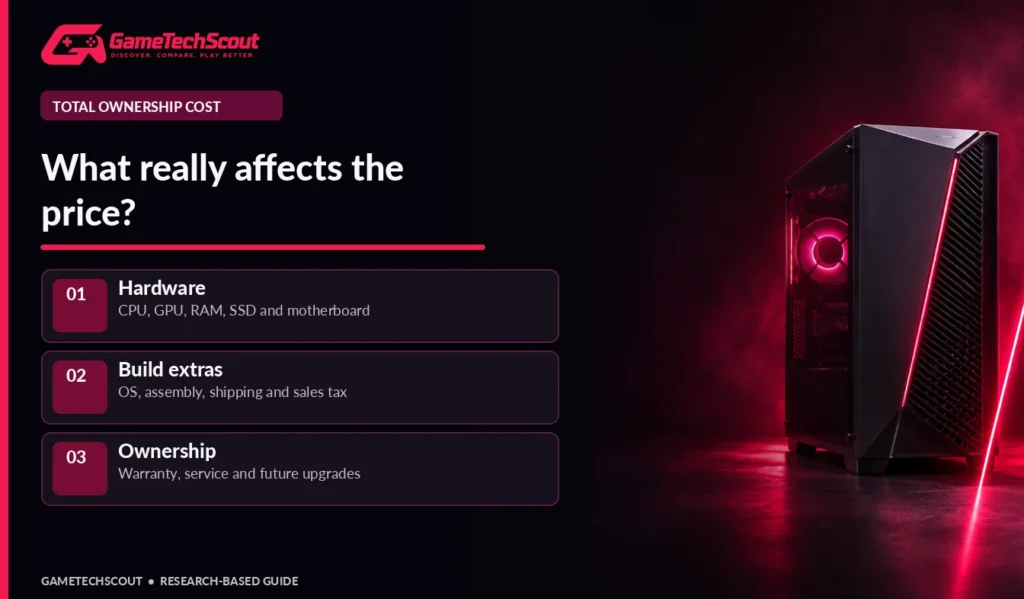
| Cost to compare | Prebuilt | Professional custom | DIY |
|---|---|---|---|
| Core components | Included | Selected in builder | Bought individually |
| Assembly labor | Included in price | Included/charged in price | Your time |
| Operating system | Often included | Often optional/included | May need to purchase/install |
| Shipping and tax | Check checkout | Check checkout | Across multiple orders |
| Troubleshooting | System provider | Builder and parts providers | Primarily you |
| Future upgrades | Model-dependent | Configuration-dependent | Usually flexible if planned well |
TechRadar’s 2026 gaming desktop roundup offers additional examples of how complete-system value depends on model and configuration. There is no universal percentage by which DIY saves money. One powerful deal on a prebuilt can change the result overnight. Avoid making spending decisions from old benchmark videos or stale price lists.
When Does a Custom Build Offer Better Value?
If a prebuilt has a high-quality GPU but compromises on PSU quality, memory slots, or storage expansion, a carefully chosen custom build may have better long-term value. If a discounted prebuilt already has all the parts you need and a strong warranty, its convenience may be worth more than the small price difference.
Reliability, Warranty, and Support Compared
A system warranty can simplify service because one manufacturer can evaluate the complete computer. With DIY, individual components generally have their own warranty terms. That isn’t automatically worse, but it often requires more effort diagnosing which component failed.
Check whether a builder’s warranty includes labor, shipping, return shipping, accidental damage exclusions, and replacement timelines. A long warranty printed in marketing material may have limited coverage after the first year. The exact contract matters more than the headline number.
Reliability also depends on assembly quality, cooling, dust management, power delivery, and sensible component choices. An expensive custom loop is not necessarily a simpler system to maintain than an air-cooled mainstream desktop.
Which Is Easier to Upgrade Later?
DIY builds using standard parts often offer the clearest upgrade path. You can select a spacious case, appropriate power supply, extra storage slots, and a motherboard whose future support meets your needs. Some professional custom builders use similarly standard parts.
Prebuilts range from fully standard ATX systems to designs with unusual connectors, power supplies, or cases. Check the specific machine before assuming it can or cannot be upgraded. An accessible side panel alone does not prove a new graphics card will fit or work with the PSU.
If you are considering a cheaper used machine instead, our used gaming desktop guide explains the additional checks for older hardware and seller claims.
Who Should Buy a Prebuilt vs a Custom PC?
Choose a Prebuilt If…
You want to play soon, value one main support contact, and found an exact configuration at a competitive checkout price. This is particularly sensible if you are new to PC hardware or need the desktop for work as well as gaming. Avoid paying for branding if the GPU, RAM, and storage are weak for your use.
Choose a Professional Custom Build If…
You know the performance target and want control over important components without taking on assembly. Ask the builder for full component names and warranty terms. Be ready to compare final quotes rather than assuming a customized computer is better value.
Choose DIY If…
You enjoy learning, want precise control of noise, thermals, and upgrade potential, and can take responsibility for troubleshooting. Research compatible parts and allow time for testing after assembly. A DIY build is a project, not just a shopping cart.
Mistakes That Make Either Purchase Worse
- Comparing different CPUs or GPUs and attributing the difference to prebuilt versus custom.
- Ignoring PSU quality or treating an efficiency sticker as a complete reliability score.
- Spending heavily on RGB and neglecting SSD capacity, cooling, or memory.
- Forgetting sales tax, shipping, operating-system costs, or assembly fees.
- Buying an impressive GPU without checking case clearance and monitor resolution.
- Assuming a brand-name desktop is impossible to upgrade—or that every DIY design is future-proof.
- Ignoring return conditions and service terms when making a purchase online.
Frequently Asked Questions
Is a prebuilt vs custom gaming PC better for beginners?
A prebuilt is usually the simpler starting point because assembly and initial software installation are handled for you. A professional custom-built PC can work if you want more control and clear support terms. DIY makes sense if you want to learn and accept troubleshooting.
Is building a gaming PC always cheaper?
No. Part prices, promotions, included Windows licenses, shipping, and bulk purchasing can make a prebuilt cheaper at a particular moment. Compare full invoices.
Do custom gaming PCs last longer?
Longevity depends on component quality, maintenance, workloads, and upgrade options—not the word custom. A DIY PC with standard parts may be easier to repair, while a well-supported prebuilt can also serve for years.
Do prebuilts have worse cooling?
Not categorically. Some have excellent airflow; others prioritize compact styling over ventilation. Review the exact case and measured thermal behavior.
Can you upgrade a prebuilt PC’s GPU?
Sometimes. Confirm PSU output and connectors, available case space, BIOS or board restrictions, and cooling capacity before ordering a card.
What should I compare first when buying a gaming PC?
Start with the GPU and CPU needed for your games and display, then compare RAM, SSD, cooling, PSU, warranty, and the full price.
Conclusion: Which Gaming PC Should You Choose?
The best gaming PC is the one that meets your performance goal at a fair total cost with support and upgradeability that make sense for you. Prebuilt systems win on convenience; professional custom builds offer flexibility without assembly; DIY offers control and learning. None wins every price comparison.
Shortlist two complete configurations, review their exact parts, and calculate the final price. Then read GameTechScout’s custom gaming PC builds to see how balanced components serve different gaming resolutions. If you’re deciding between specific builds, share their specifications and final prices in the comments.
Editorial disclosure: GameTechScout uses published manufacturer documentation and independent research; this is not a hands-on comparison of every desktop or a claim about live retailer stock.